
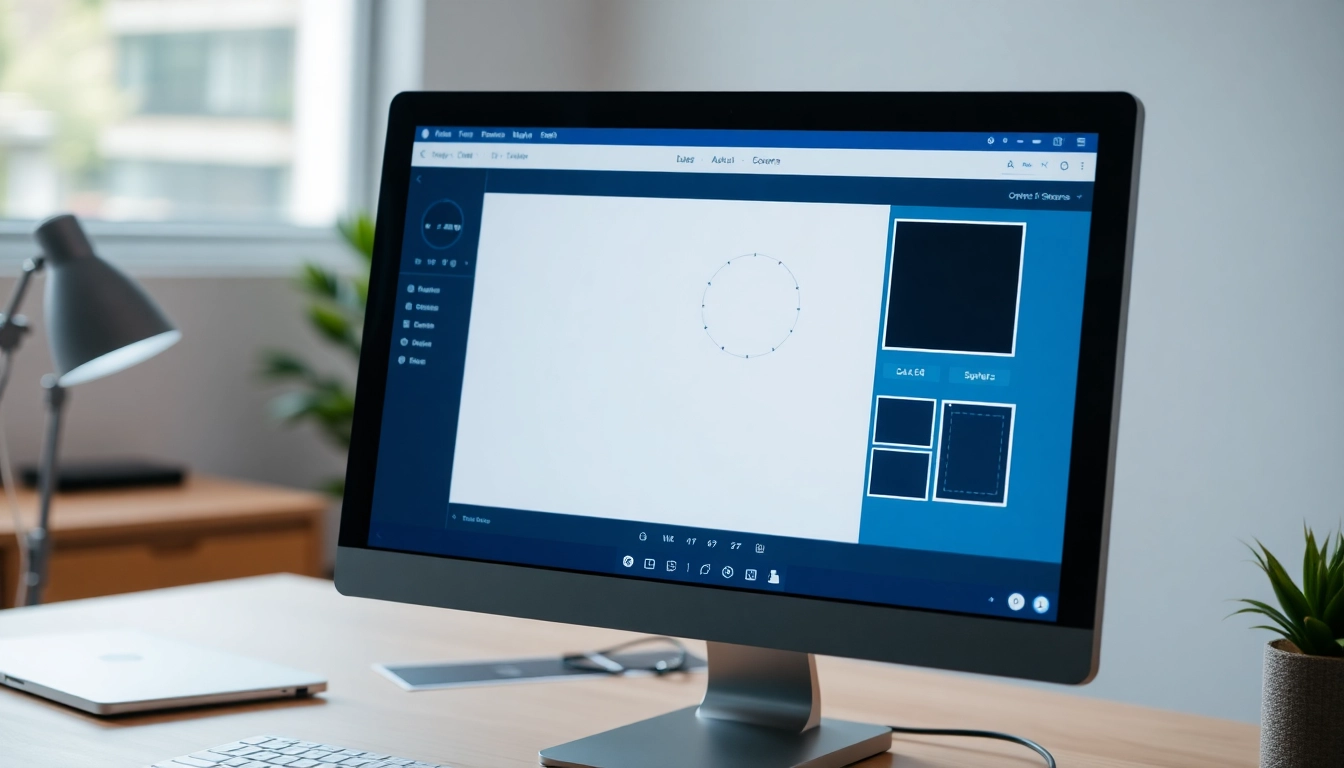
Understanding the Basics of Image Cropping
Image cropping is a fundamental aspect of photography and graphic design that significantly enhances the visual appeal and composition of images. This technique involves trimming the edges of a photo to focus on the most essential elements, thereby improving its overall composition. Understanding how to effectively crop an image can transform an ordinary photograph into a captivating piece of art. With a host of tools and resources available online, you can easily crop image files with precision and creativity.
What is Image Cropping and Why It Matters
Image cropping refers to the process of removing unwanted outer areas of an image to enhance its composition. This simple yet powerful tool allows photographers and designers to emphasize specific subjects, create better balance, and eliminate distractions. Effective cropping draws the viewer’s focus to the intended subject matter, making it more compelling and visually engaging.
Key Differences: Crop vs. Resize
While cropping and resizing might seem similar, they serve distinct purposes in image editing. Cropping focuses on removing parts of an image, which often improves the composition without altering the image’s overall pixel density. Conversely, resizing adjusts the dimensions of the entire image, affecting its resolution and potentially causing a loss in quality. Understanding these differences is crucial for effective image editing and usage.
Common Cropping Methods and Tools
There are several methods available for cropping images, ranging from basic tools offered in photo editing software to advanced algorithms that automatically enhance compositions. Common cropping tools include:
- Rectangular cropping: The most traditional method, allowing users to define a rectangular area.
- Freeform cropping: Users can draw their desired cropping area without strict geometric constraints.
- Smart cropping: Advanced tools utilize AI to suggest optimal cropping positions based on image analysis.
- Aspect ratio cropping: This method keeps a specific ratio, such as 1:1 for Instagram or 16:9 for videos.
How to Crop an Image Effectively
Learning how to crop an image effectively can greatly influence the quality of your photos. To get started, follow these steps to maximize your cropping skills.
Step-by-Step Guide to Cropping Photos Online
- Select your image: Begin by uploading your image to an online cropping tool or photo editor.
- Choose the Crop Tool: Look for the crop tool within the editor, often represented by a scissor or crop icon.
- Define the crop area: Use the adjustable box to select the specific portion of the image you wish to keep.
- Adjust the composition: Ensure your selected crop enhances the image’s focus and balance.
- Apply and save: Once you’re satisfied with the cropping adjustments, apply the changes and save your edited image in the desired format.
Best Practices for Composition and Framing
To create visually appealing images when cropping, consider the following best practices:
- Use the rule of thirds to enhance balance and focus within your photos.
- Keep an eye on your subject; ensure it’s placed in a way that draws attention without being too close to the edges.
- Experiment with various angles and perspectives to find the most captivating composition.
- Be mindful of negative space to enhance the subject’s presence in the image.
Using Aspect Ratios for Different Platforms
Different platforms require different image dimensions for optimal display. For instance, a square aspect ratio is ideal for Instagram posts, while a 16:9 ratio is perfect for YouTube thumbnails. Understanding these requirements allows you to crop images effectively, ensuring your visuals fit seamlessly within each platform’s framework.
Advanced Techniques for Cropping Images
Once you’ve mastered the basics, consider exploring more advanced cropping techniques to enhance your images even further.
Smart Crop Features: How AI Enhances Your Images
Smart cropping tools leverage artificial intelligence to analyze your images and suggest the most aesthetically pleasing crop options. These tools can automatically adjust for elements like the rule of thirds, leading lines, and subject positioning, which can save you time and improve the overall quality of your cropped images.
Circular Cropping: A Trend for Social Media Profiles
Circular cropping is becoming increasingly popular for social media profile pictures. This technique simplifies the process of creating profile images that stand out. Many cropping tools now offer quick solutions to transform square images into perfectly shaped circles, ideal for platforms like Instagram and Facebook.
Creative Frame Shapes for Unique Outputs
Don’t limit your cropping to traditional rectangular shapes. Many tools now provide creative frame shapes, including hearts, stars, and abstract designs. This not only adds an artistic touch to your images but also helps in creating unique designs for cards, invitations, and scrapbooks.
Addressing Common Questions About Image Cropping
As you refine your cropping skills, several questions may arise. Here are answers to some of the most common inquiries.
How to Crop an Image Without Losing Quality?
To crop an image without losing quality, ensure you are using image editing software that maintains the original resolution. Avoid excessive cropping, as this can lead to pixelation. Typically, non-destructive editing options allow you to crop images while preserving the original file for future use.
FAQs: Troubleshooting Common Cropping Issues
If you encounter cropping-related issues, consider these troubleshooting tips:
- Make sure your selected cropping tool supports high-resolution images.
- If your image looks pixelated after cropping, check whether the original size was too small.
- Use aspect ratio settings to ensure your images fit the required dimensions for their intended platform.
Customizing Cropping for Different Projects
Customize your cropping techniques based on the project objective. For professional photography, maintaining a natural presentation is key, while artistic projects may benefit from more experimental cropping styles. Adapt your cropping methods to suit the context of your image.
The Future of Image Cropping Tools
As technology progresses, the future of image cropping tools looks promising, with advancements that will revolutionize image editing further.
Emerging Trends in Image Editing for 2026
In 2026, we anticipate the rise of more advanced AI-integrated cropping tools that will offer personalized suggestions based on user preferences and previous edits. Enhanced user interfaces will facilitate easier navigation and usability, making cropping a more intuitive process for users of all skill levels.
How AI is Shaping the Future of Cropping Techniques
AI technology is continuously improving, allowing for smarter cropping suggestions that consider context and visual aesthetics. Future crop tools will likely analyze images for composition errors, suggest corrections, and provide user tutorials based on individual editing habits.
Conclusion: The Importance of Effective Image Composition
Effective image composition through cropping is crucial for enhancing visual storytelling. As photographers and designers, mastering the art of cropping can elevate your work and create impactful images that resonate with audiences. By utilizing the latest cropping tools and techniques, you can unlock new potential within your visual creations.